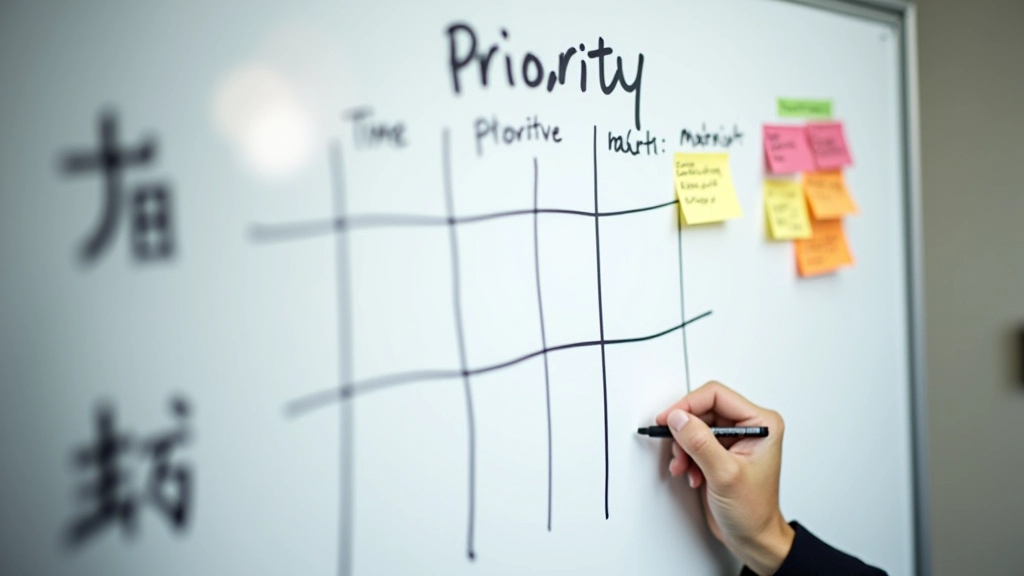
Time Blocking 101: How to Actually Use It
Step-by-step guide to blocking your calendar. Includes common mistakes people make and how to fix them for consistent results.
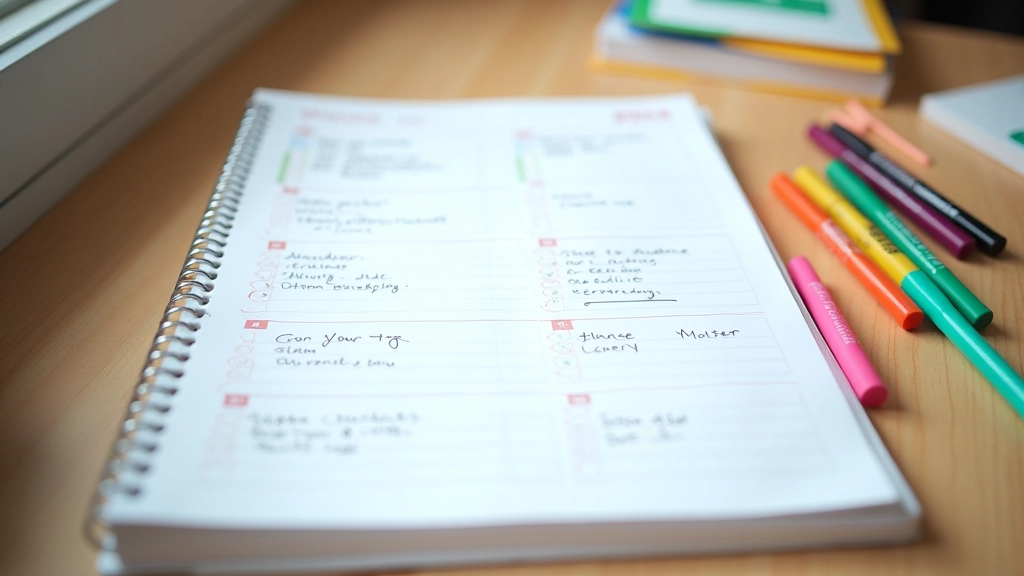
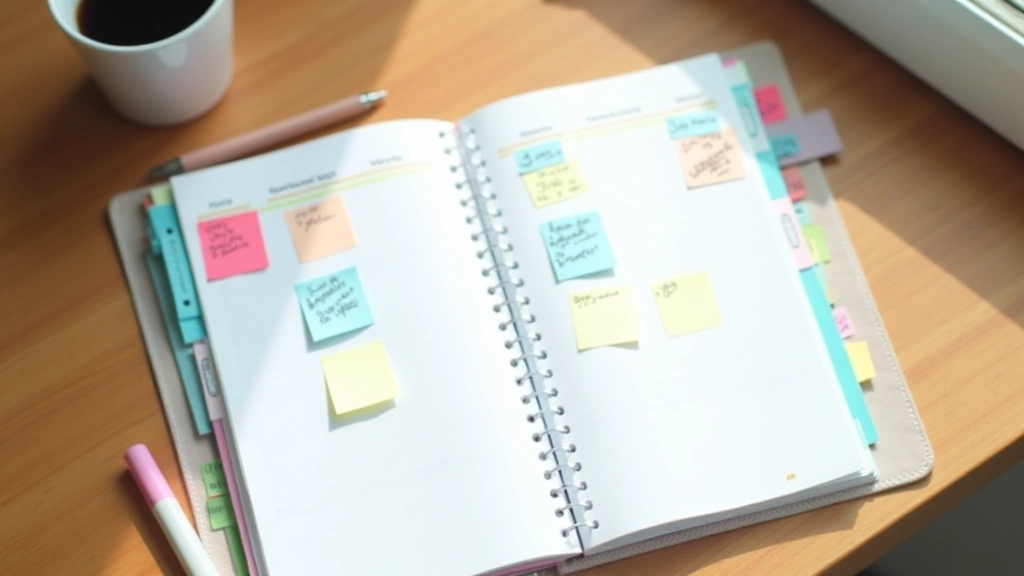
Comparing popular scheduling methods: Google Calendar, Notion, traditional notebooks. Which approach fits your style and actually gets used consistently.

Here’s the thing about planning tools — the best one isn’t always the fanciest. It’s the one you’ll actually use. We’re going to walk through what’s out there, the real pros and cons of each, and how to figure out which method fits your life in Hong Kong’s fast-paced environment.
Whether you’re juggling client meetings, family schedules, or personal projects, choosing between digital and paper planning is about understanding your own workflow. Some people thrive with the tactile experience of writing. Others need the automation and cross-device sync that digital tools provide. Most of us probably need a hybrid approach.
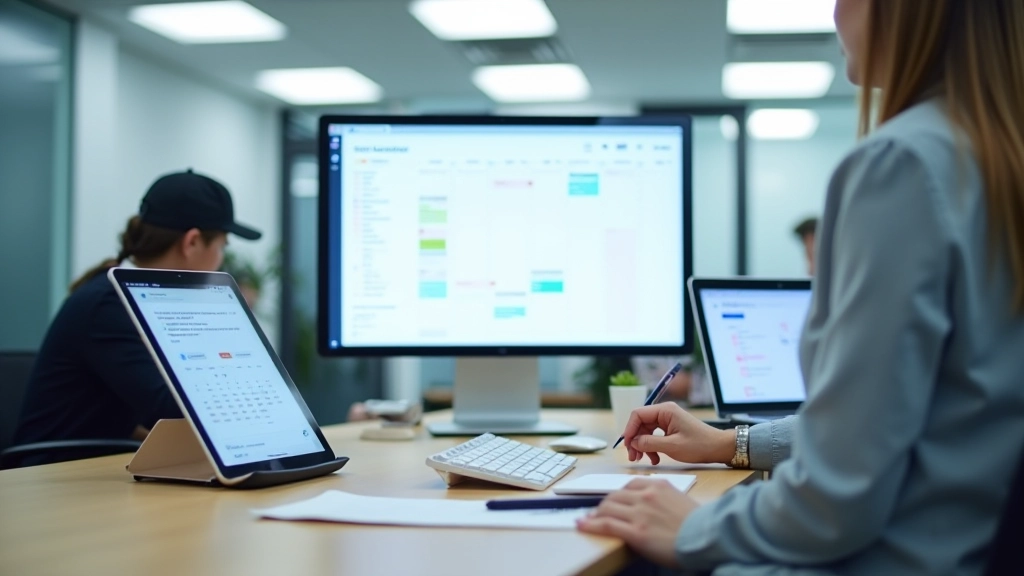
Digital planning tools have become the default for good reason. Google Calendar syncs across your phone, tablet, and computer automatically. Notion lets you build entire systems — databases, task lists, calendars, all connected. Microsoft To Do integrates with Outlook. They’re accessible everywhere, searchable instantly, and they’ll remind you before you forget.
The biggest advantage? They handle the repetitive stuff. Set a recurring meeting once, and it appears on your calendar every week. Create a task template in Notion, duplicate it, and you’ve got your next project structure ready. Digital tools also sync with your email, calendar invites, and notifications — everything flows together.
If you’re managing multiple projects or collaborating with others, digital wins almost every time. You can share a Notion workspace with your team, assign tasks, set deadlines, and everyone sees real-time updates. Try doing that with a notebook.

Don’t dismiss paper planning as outdated. There’s genuine neuroscience behind it. When you write something by hand, you process it differently than when you type it. Your brain engages more deeply. You’re more likely to remember what you wrote.
Paper also forces intentionality. You can’t just endless scroll through your tasks. You write down what matters. When you sit down with a notebook and pen, there’s no notification pinging. No temptation to check email. Just you and your plan for the day.
Some of the most productive people we’ve worked with use a simple paper system — daily page in a notebook, three priorities written each morning, that’s it. No complex digital workflows. No syncing issues. No subscription costs. Just clarity.
The reality: Paper planning works best when you’re disciplined about reviewing it. If your notebook sits in a drawer unopened, it won’t help. But if you actually use it daily, it’s incredibly effective.
Digital: Available everywhere instantly. Phone, tablet, desktop — all synced.
Paper: You need the physical notebook. Loses if you’re without it.
Digital: Convenient but passive. You might not internalize the plan.
Paper: Writing by hand improves recall by 25-30% in studies. You remember better.
Digital: Share with anyone, real-time updates, comments and mentions work seamlessly.
Paper: Not designed for group work. You’d need to transcribe and share separately.
Digital: Notifications interrupt. Email pings while you’re planning. Can derail focus.
Paper: Zero digital distractions. Intentional and focused. But you might lose other tasks on your phone.
Digital: Steep learning curve with complex tools. Notion takes time to set up properly.
Paper: Pick up a notebook and start writing. No learning required. Immediate.
Digital: Free options available (Google Calendar, basic To Do). Premium plans $5-15/month.
Paper: A good notebook costs $10-20. One-time cost. No ongoing fees.
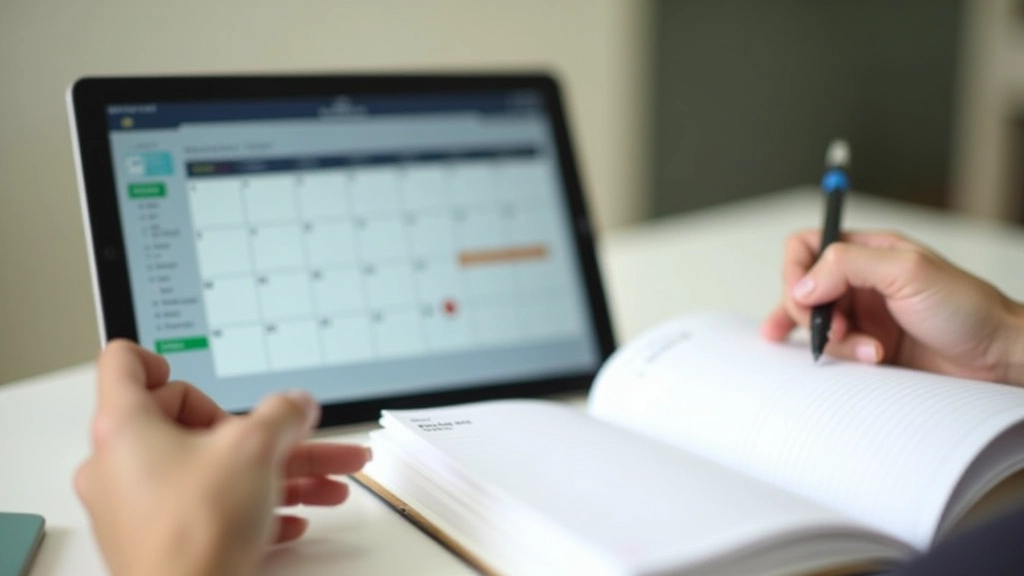
Most productive people aren’t purely digital or purely paper. They combine both. Here’s what actually works: Use digital tools for the system (Google Calendar for shared meetings, Notion for project tracking), but add paper for daily planning.
Every morning, spend 10 minutes writing your top three priorities on paper. This forces clarity. Then, use your digital tools to schedule the blocks of time to work on those priorities. You get the best of both worlds — the memory benefits and intentionality of paper, plus the automation and accessibility of digital.
We’ve seen people in Hong Kong’s high-pressure corporate environments do this successfully. They’ll use Outlook for meetings and team calendars, but keep a simple notebook for daily reflection and priority-setting. When the day gets chaotic (and it will), they’ve got their written priorities anchoring them. No endless scrolling through digital lists trying to remember what matters.
This article provides educational information about planning methods and tools. The effectiveness of any planning system depends on consistent personal use and adaptation to your unique circumstances. We recommend testing different approaches to find what works best for you. Everyone’s workflow is different — what works for others might need adjustment for your specific situation.
There’s no universal answer. It depends on your work style, team environment, and what you’ll actually use consistently.
Choose digital if: You collaborate with teams, work across multiple devices, need automated reminders, or manage complex projects with many moving pieces. Google Calendar and Notion are solid choices for most professionals.
Choose paper if: You struggle with digital distractions, prefer tactile planning, work independently, or want to avoid subscription costs. A simple notebook and daily review habit can be incredibly effective.
Choose hybrid (recommended): Use digital tools for the backbone of your system — shared calendars, team projects, recurring tasks. Use paper for daily intention-setting and reflection. This combination handles both the logistical demands and the cognitive benefits of planning.
The real secret isn’t the tool. It’s consistency. Whatever you choose, you need to actually use it. Every day. Review it. Adjust it. That’s what separates productive people from those who plan but don’t follow through. Pick your method and commit to it for at least two weeks before switching. You’ll be surprised what becomes possible when you’re actually intentional about your time.